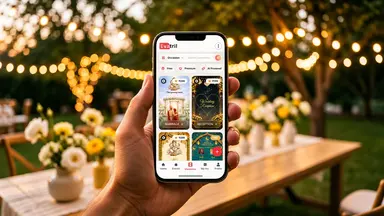
What Is an Event Wall
Part of: How to Send Invitations and Manage Guests Online
What the free Event Wall shows, what guests can post on it, how hosts manage it, and how it compares with the Aura Wall.
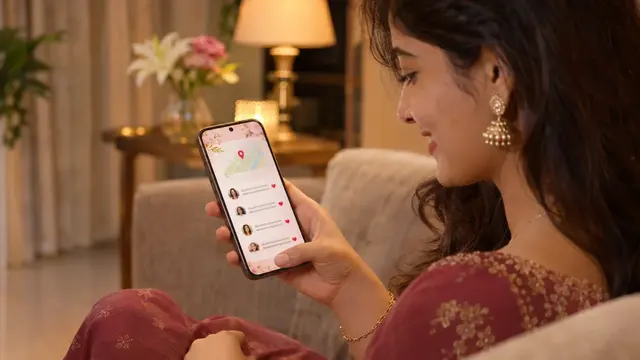
What Is an Event Wall, and What Can Guests Do on It?
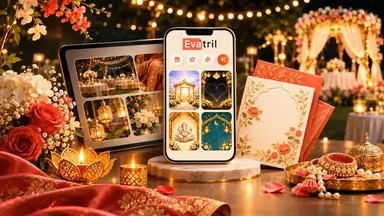
An Event Wall is a free mini website that Evatril makes for every invitation, just for that event. It shows the venue, a map and the couple's photos, and works like a wall where every invited guest can leave wishes. The host can remove any comment; the paid Aura Wall adds music and its own design.
A free mini website: made for one invitation or event; every invitation gets one, uploaded designs included.
For wishes: text, emoji and likes, all in one place instead of scattered chats.
Host in charge: remove any comment; read every wish in one list.
Want more? The Aura Wall is the paid upgrade with music and its own design.
Think about the wishes that arrive before an engagement. A few come by text, a few in the family group, one as a voice note from an uncle abroad. They're lovely, and a week later you can't find half of them.
An Event Wall gives those wishes one home. On Evatril, it comes free with every invitation, and it's where guests congratulate you instead of scattering messages across chats.
What is an Event Wall?
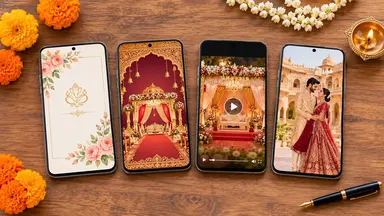
An Event Wall is a free mini website made only for one invitation or event, hosted on evatril.com. It shows the venue details, a Google Maps location, the host's profile photo and, for a wedding or engagement, the couple's photos. Hosts pick one of three free designs.
It works like a wall. Everyone you've invited can read it and post on it, and the conversation stays among the people you allowed in, not on a public page anyone can stumble on.
There's nothing to set up. Every invitation made on Evatril gets one, including a design you upload yourself. The WhatsApp or RCS message only knocks on the door; the invitation and its wall live on Evatril, and the wall is the page guests reach after replying to the RSVP (Will Attend or Not Attending). Because it's made only for this occasion, not one more chat between work messages and forwards, a guest who opens it feels personally invited.
What can guests post on the Event Wall?
Guests write short wishes, add emoji reactions and like each other's posts. Any guest with the link can post; they don't have to reply first. Those who do reply are prompted to leave a wish straight after, so it's one more tap.
Say Priya replies Will Attend to her cousin's engagement. The next screen asks if she'd like to send a wish. She writes two lines and adds a ring emoji, and an hour later her aunt in Dubai likes it. Nobody had to scroll a family group to find it.
A corporate launch works the same way: the wall collects "see you there" notes and quick questions about parking in one thread.
How does the host manage the wall?
The host can remove any guest comment at any time. Every wish also lands under EVENT WISHES in the host's menu, so you can read them all in one list. Wall activity shows in the Event Report beside the replies, the same report behind RSVP tracking.
Who can see the Event Wall?
Only people with the link. Which link they get depends on how you send.
- Free: you share the wall link yourself → One shared link for everyone
- Per-guest sending from Evatril → Each guest's own link, all opening the same wall
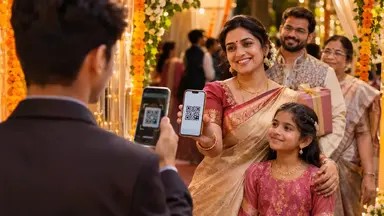
The free route suits a page for details and wishes. Personal links add the guest's name, one-tap replies, a QR Pass and a record of who opened the invitation, which is how you send invitations and manage guests online. Sending rates are on the pricing page.
Event Wall or Aura Wall?
The Aura Wall is the paid version of the same wall, with a design built around your event and music from Evatril's library or your own upload. You can compare the two walls side by side.
The feature that does this job is the Event Wall that comes free with every Evatril invitation, with the Aura Wall beside it when you want more. The chats move on; the wishes stay where you can find them.