How Guests Experience Multi-RSVP on Evatril
Part of: How to Send Invitations and Manage Guests Online
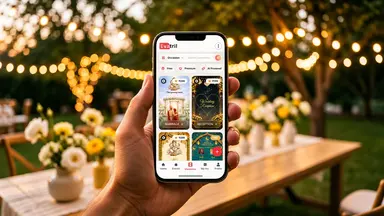
What a wedding guest actually sees with Multi-RSVP: one link, only their own functions, a reply for each, and one QR code for the family.

How Guests Experience Multi-RSVP on Evatril?
Guests RSVP to multiple wedding events on Evatril through one link. They see only the functions the host assigned them, in date order, and answer Will Attend or Not Attending for each, then food and headcount if asked. No app is needed, every answer can change until 72 hours before that function, and one QR code covers the whole family.
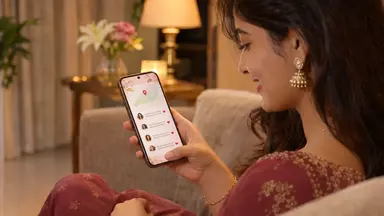
One notification, one Kindly RSVP link, one invitation page in the guest's own name.
Only the functions meant for that guest show, in date order.
Each function gets its own Will Attend or Not Attending, then food and headcount if the host asked.
Stop halfway and come back later; the link resumes where the guest left off.
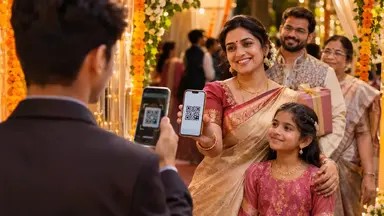
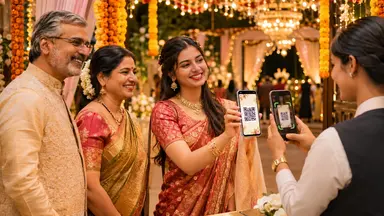
One QR code for the family, listing the functions it is valid for.
Your cousin's wedding has five functions and you're invited to three. In the old way, that meant a printed card, a family group chat and three separate "are you coming?" calls. On Evatril, you get one notification, open one link and answer for each of your three, one at a time.
This is the guest side of Single Invitation Multi-RSVP. If you're the host, the Multi-RSVP set-up guide covers your side.
What does the guest receive?
One message on WhatsApp or RCS from Evatril's official sender, never from the host's own number. It carries two evatril.com links: Kindly RSVP, where you reply, and View Invitation, where you see the invitation itself. It is one message however many functions you're invited to.
The message is only the knock on the door. The invitation lives on Evatril: the link opens in your phone's browser, the app or the PWA, with your own name on it, and no download or login is needed to reply. Because Evatril is built only for invitations and occasions, not for chat, what opens is your invitation and nothing else. Whether or not you already have an Evatril account, the same invitation also waits in Evatril's My Invitations, where every invitation you receive is kept. That is where sending invitations and managing guests online meets the guest.
Which functions does the guest see?
Only the ones the host assigned to you, in date order. Say the host asked close family about the Haldi, Mehndi and wedding, and colleagues only about the wedding. A colleague opens the link and sees one function. The Haldi question never appears for them.
That is deliberate. Nobody is asked about a function they weren't invited to, and nobody has to work out which parts of a long schedule apply to them. Each function shows its own venue, date and time, so a Mehndi at home and a reception at a hall are never mixed up.
How does replying to each function work?
Each function is a sub-event, and the guest moves through them in this order:
- Will Attend or Not Attending.
- Food preference, if the host turned it on. Veg and Non-veg are always offered, and the host may have added other cuisines, sometimes with a menu to look at.
- Headcount, if the host lets guests say how many people are coming. Otherwise the host has set a fixed number for everyone.
- On to the next sub-event.
You can stop halfway. Close the link after the Mehndi, come back the next morning, and you pick up where you left off.
What does the guest's QR Pass look like?
If the host is using QR Pass, you get one QR code for the whole invitation once you've replied. It lists the sub-events it is valid for and how many people it allows at each. Functions you marked Not Attending don't appear on it.
The counts update live. After two of you walk into the Haldi, the pass shows "Haldi: 2 of 2 used". The same code still works for the wedding, where your allowance is untouched.
A family shares one code. You can forward it to a relative arriving separately, and each of you uses the remaining entries at different times. The code confirms the invitation, not who is holding it, so keep it inside the family.
Can a guest change their answers?
Yes, until 72 hours before each sub-event's date and time. Each function has its own cut-off, so you could still change your reception answer after the Haldi has locked.
Being able to change isn't a reason to wait, though. The Emily Post Institute's invitation etiquette guide asks guests to reply within a day or two of receiving an invitation, and says switching a no to a yes is fine only when it won't upset the host's arrangements. A host planning food for four functions will thank you for answering early. If you haven't, the host can send you your own link again from the Event Report, so a late reply still lands in the right place.
Where do wishes and photos go?
Replying is not the end of the invitation. After the RSVP, the guest is invited to leave a wish on the host's Event Wall, the free page every invitation comes with, or on the Aura Wall if the host chose the paid upgrade with music and a design built around the event; the host reads and replies to wishes there. If the host has a Memories plan, the Memories button on the same link lets you see the photos the host uploaded beforehand, and on the event date upload your own photos and videos into the shared album, once you complete an Evatril account. The same invitation that collected your reply also keeps the day.
For the guest, Single Invitation Multi-RSVP on Evatril comes down to one link, a few taps per function and one code at the door.