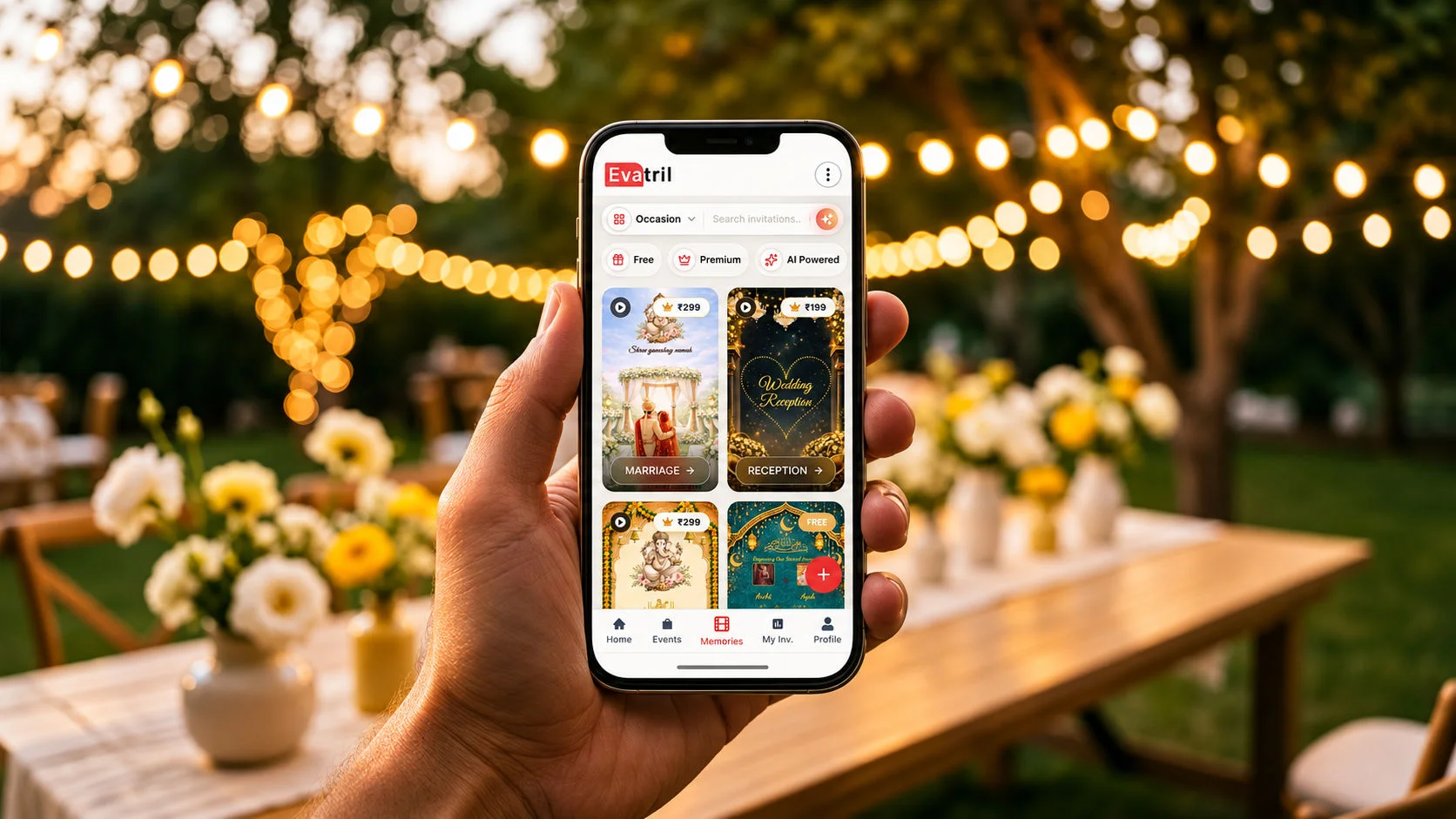
What Is Evatril
What Evatril is, what it does before, during and after an event, who it's for, and how it differs from Canva, WhatsApp and RSVP tools.
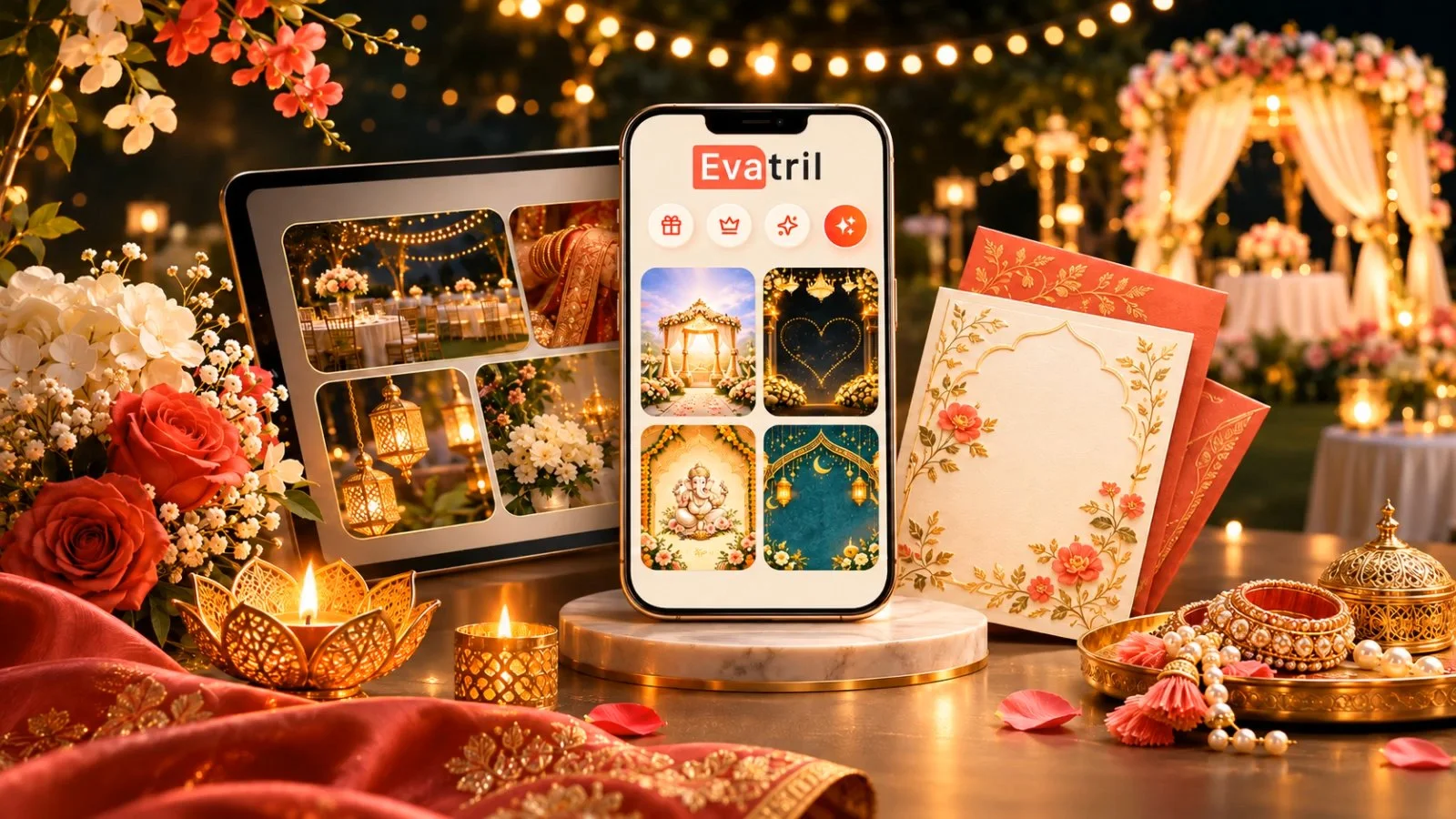
What is Evatril?
Evatril is an AI-powered digital invitation and event management platform that creates personalised invitation links for every guest and manages the complete guest journey, from invitation creation and RSVP tracking to guest engagement, QR-based event entry, and event memory preservation. Hosts use it for weddings, engagements, receptions and corporate events.
Evatril is a digital invitation and event management platform. Every guest gets a personal invitation link that carries their RSVP, their QR Pass at the door and, if the host adds Memories, access to shared photos after the event. It runs on the web at evatril.com, in the app and as a PWA, and guests don't need an app to reply.
Most digital invitations stop working the moment they're delivered. A PDF lands in a family group, a few people reply with a heart, and the host spends a month phoning around to learn who's coming.
Evatril was built for everything that happens before (Create Invitation) and after you press send.
What is it, in plain words?
It's a digital invitation and event management platform that helps hosts run the guest side of an event from one place. Each guest gets their own invitation link, with their name on the opening screen. That link keeps working before, during and after the event.
Picture a 200-guest wedding reception. Instead of one forwarded file, every guest gets a link that knows who they are, records their reply, lets them in at the gate and later shows them the photos.
What does it do before the event?
You create a digital invitation in one of four types: Save the Date, PDF, Video or AI Pretext. If you already have a design from Canva or a designer, you can upload it instead, and the upload is free.
Then you send invitations and manage guests online. Each guest receives a Kindly RSVP message on WhatsApp or RCS with two links, one to reply and one to view the invitation.
Every invitation is also delivered to the guest's Evatril account, so you don't need to check whether a guest is on Evatril before you send. This matters when a guest has no WhatsApp or a phone that isn't enabled for RCS. That guest signs in on the website, in the app or on the PWA with the mobile number you invited, and finds the invitation in My Invitations. They tap "Will Attend" or "Not Attending". They can change their answer until 72 hours before the event date and time.
The report section then shows how each invitation reached the guest (WhatsApp, RCS or My Invitations), and on which platform it was viewed or read.
For a wedding with a Haldi, a Sangeet and a reception, Single Invitation Multi-RSVP asks for a separate reply per function inside the same link. The Event Report shows the numbers and lists who hasn't opened the invitation yet, so you know exactly whom to call.
Every invitation also comes with a free Event Wall, where guests leave wishes as text, emoji and likes.
What does it do on the day?
At the venue, guests show their QR Pass. There's one code per invitation, so a family of four shares it. Staff the host has approved scan it and enter how many people are walking in, within that function's allowance. The pass confirms the invitation, not the identity of the person holding the phone.
What does it do after the event?
This is where most invitation tools stop and Evatril keeps going. Memories, bought separately, gives an event three spaces. My Album is for the host alone. The Memory Pool is where guests add their own photos and videos. The Guest Album is the collection the host curates and shares. Uploading needs a complete account, and the full flow is in our guide on how to collect event photos and memories.
Photos and videos always live in Memories, never on the Event Wall.
Who is it for?
Hosts first. The occasions we build for first are weddings, engagements, receptions and corporate events. The same tools also work for birthdays, housewarmings, baby showers, religious ceremonies and festivals. The full list of occasions shows which features suit each one.
How is it different from Canva, WhatsApp or an RSVP form?
Canva designs the card. WhatsApp delivers it. An RSVP tool counts the replies. Evatril runs the whole guest journey, from the first message to the last shared photo.
You can keep using all three alongside it.
Where does it work, and is guest data safe?
You can use it on the web at evatril.com, in the installed app, or as a PWA. Users get the best price on the PWA, so it is also the most cost-effective way to use Evatril.
Invitations go out through the official WhatsApp Cloud API. Meta's developer documentation says the WhatsApp Business Platform is now fully cloud-hosted, with Cloud API as the way businesses send messages (Meta for Developers). All reply stages appear on the Event Wall (Free) or Aura Wall (Paid), so a guest's reply is never missed. Think of it as a notice board, a common engagement wall. Nobody can embed an external link in an invitation, so every link a guest receives is an evatril.com link on a secure (https) server. Evatril never uses guest phone numbers or emails for its own marketing, retargeting or advertising, and never sells them.
The piece that ties it all together is the personal invitation link: one per guest, carrying the RSVP, the QR Pass and the Memories. Start with one invitation and see how much of the event it handles.