How Evatril Turns a WhatsApp Invite Into a Complete Guest Journey
Part of: How to Send Invitations and Manage Guests Online
The message is just the knock on the door. Follow one guest from a Kindly RSVP message to the venue gate and the photos afterwards.
How does Evatril turn a WhatsApp invite into a guest journey?
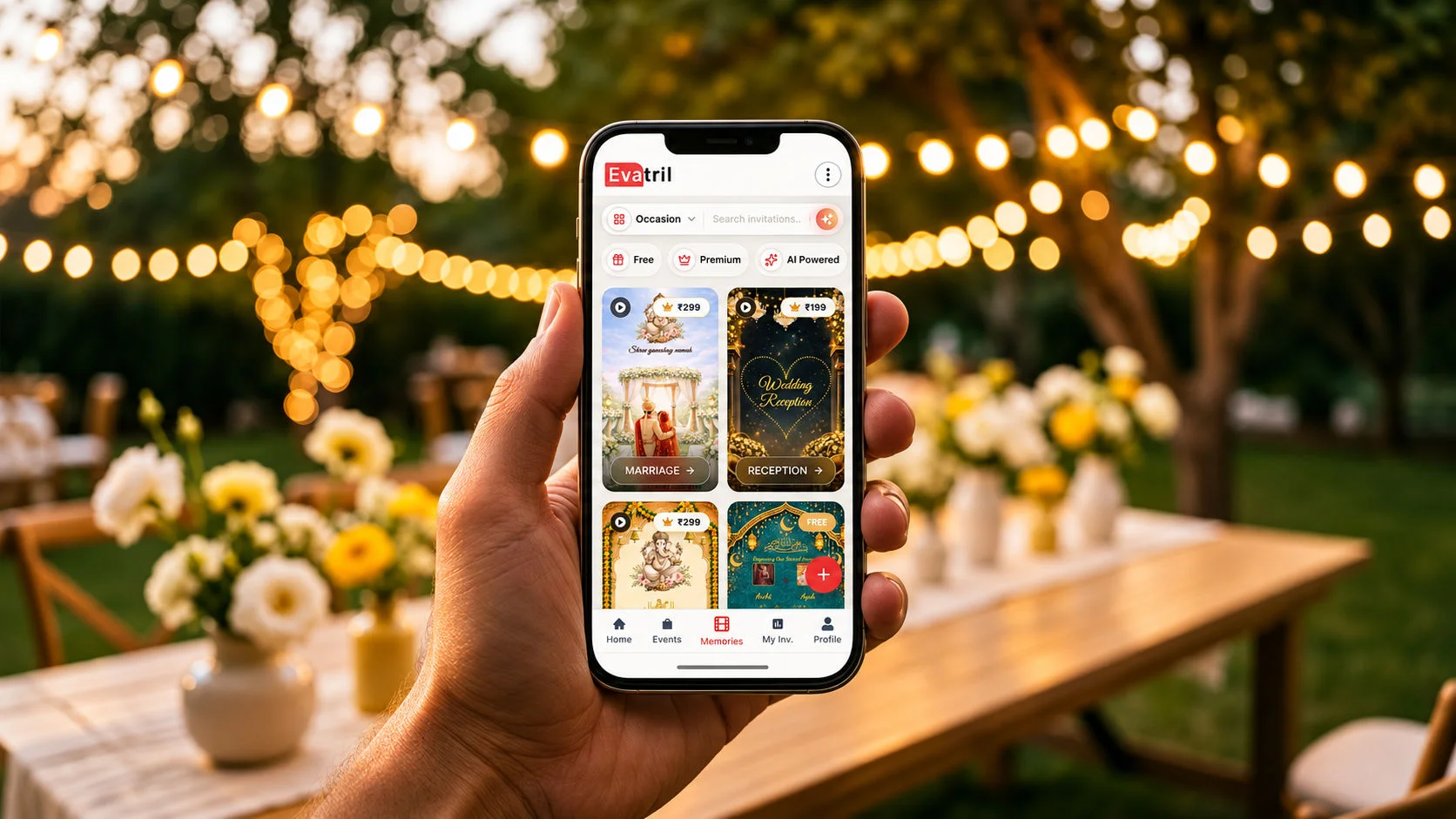
Evatril uses WhatsApp, through the official WhatsApp Cloud API, and RCS only to deliver a Kindly RSVP message. That message carries a personal evatril.com link with the guest's name on it. From that one link, the guest replies Will Attend or Not Attending, posts a wish on the Event Wall or Aura Wall, gets a QR Pass for entry and later views Memories.
only the notification, on WhatsApp or RCS in India
opens the real invitation on Evatril with the guest's own name
one-tap reply, a wish on the wall, a QR Pass at the gate
photos in Memories and every invitation kept in My Invitations
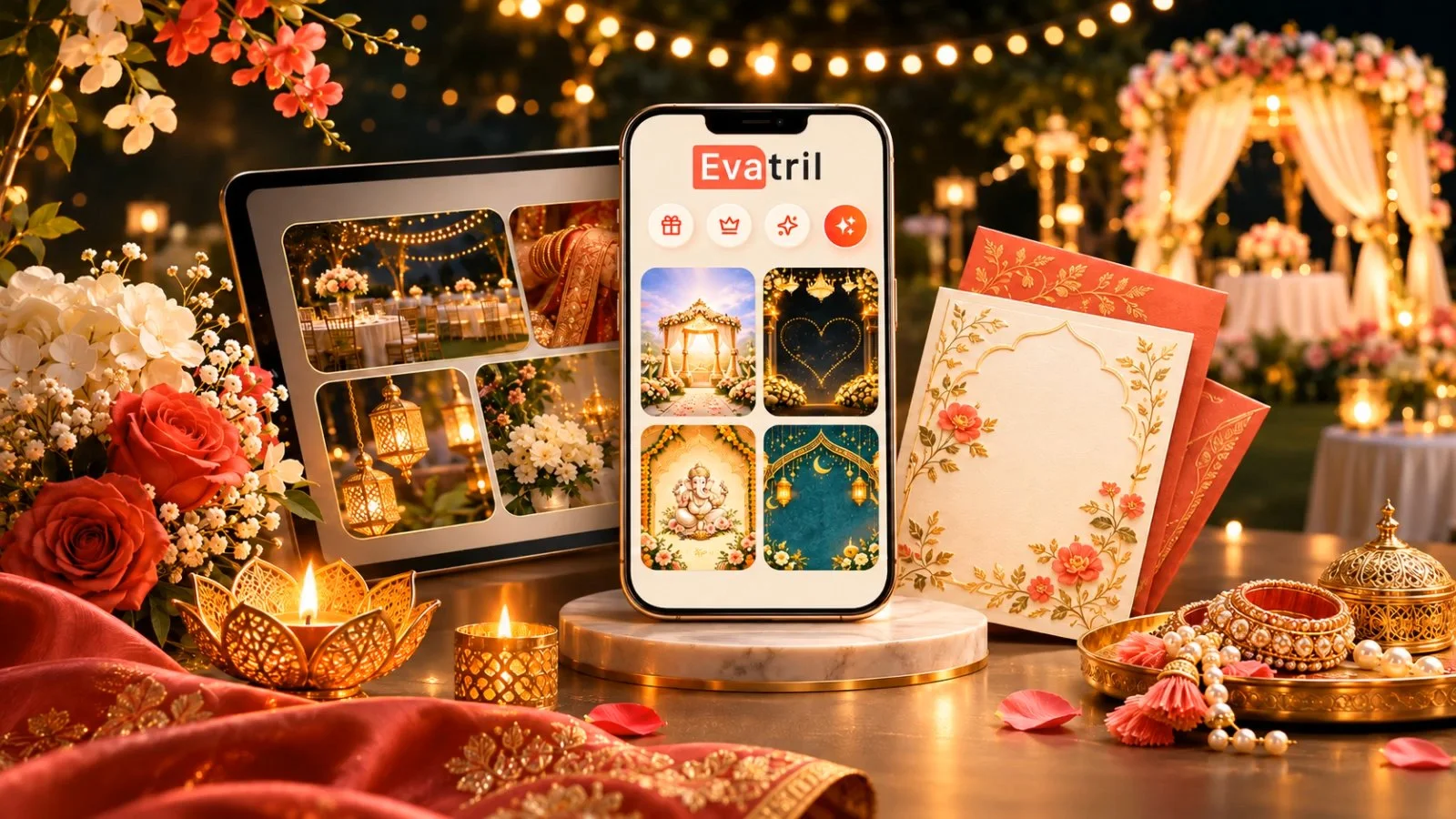
Most hosts think of the WhatsApp message as the invitation. On Evatril, it isn't. The message is just the knock on the door. The invitation itself, the reply, the wishes, the entry pass and the photos all live on Evatril, on the website, the app or the PWA, and the guest gets there through one personal link.
Here's that path from the guest's side, using a wedding reception. A corporate launch follows the same steps.
Which channels carry the notification?
In India, two. The notification goes out on WhatsApp, through the official WhatsApp Cloud API, and on RCS, which the mobile industry body GSMA describes as a service that "enhances traditional SMS messaging" (GSMA).
Every message comes from one official sender, shown as "Evatril Invitation", never from the host's own number. It arrives as its own message, not buried in a group chat. Delivery is one-way, and only evatril.com links are sent. This is one part of sending invitations and managing guests online.
What does the guest see, step by step?
Follow Priya, a college friend of the bride, through six steps.
Step 1: A Kindly RSVP message arrives
Priya gets one message with two links: Kindly RSVP and View Invitation. One message covers every function she's invited to.
Step 2: The invitation opens with her name on it
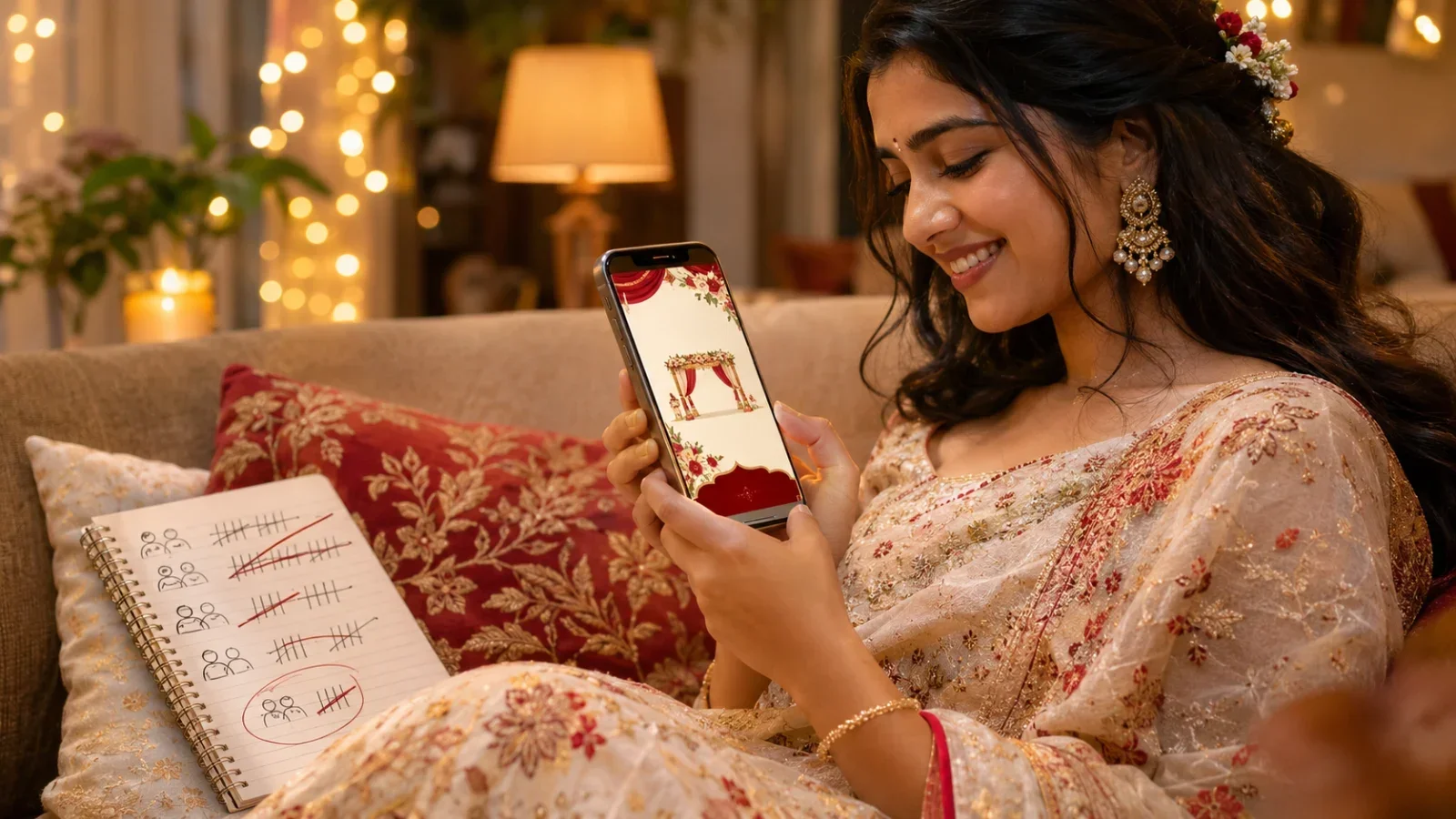
She taps Kindly RSVP, and the invitation opens in her phone's browser on evatril.com, addressed to her by name. There's no app to download and no login needed to reply. Because it opens on a page made only for this occasion, not inside a chat between memes and forwards, it feels like being personally invited.
Step 3: She replies with one tap
She taps Will Attend or Not Attending. If the wedding has several functions, she answers for each one she's invited to, in date order. She can change her answer until replies lock 72 hours before the event date and time. Her answer shows up in the host's Event Report.
Step 4: She leaves a wish on the wall
After replying, she's prompted to send the couple a wish. It goes to the event's free Event Wall, a private page with the venue, map and couple photos, or to the Aura Wall if the hosts chose the paid version with music and a design built around their event. Guests post text, emoji and likes, and the host can remove any comment.
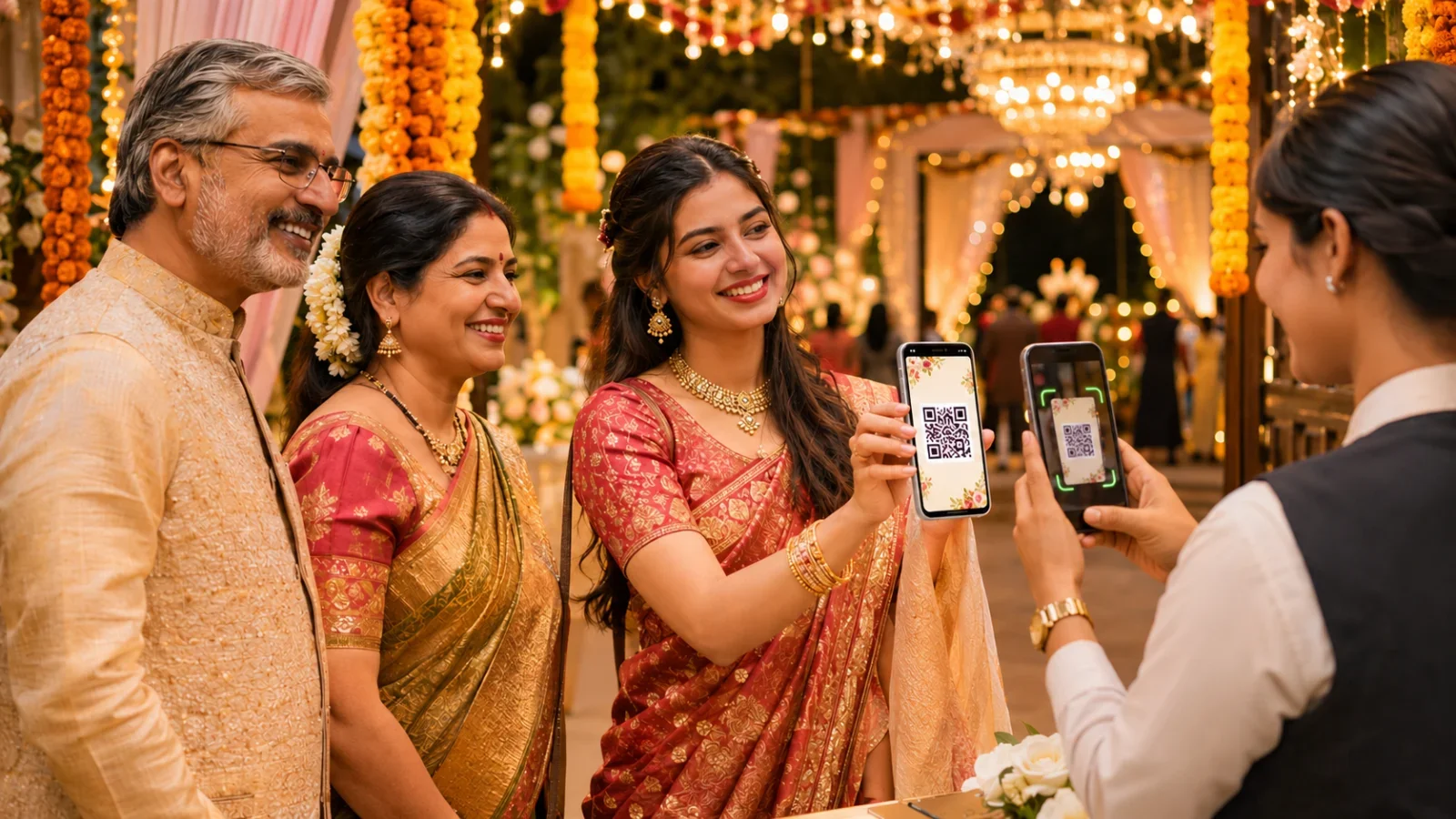
Step 5: She shows her QR Pass at the door
If the host switched on entry passes, Priya's invitation carries one QR code with the number of people it allows. Venue staff scan it and enter how many are walking in. The code confirms the invitation, not the person's identity. More on how QR Pass entry works.
Step 6: She finds the photos in Memories afterwards
If the host has added Memories, the event's photos and videos live there, never on the wall. Once Priya completes her account, she can add her own photos to the shared pool, and the host decides which ones every guest sees.
Where does the guest's account come in?
Replying needs nothing but the link. When a guest sets a password, My Invitations becomes her home on Evatril: every upcoming and past invitation in one place, with a Memories tab for the photos hosts share, and any invitation can be added to Google Calendar as a reminder. That account is the thread that ties the journey together, whichever channel knocked first.
What happens when the host changes something?
Say the reception moves from 7 pm to 8 pm. The host edits it once, for free, and the wall and every guest link update. Guests with the Evatril app get a push notification; everyone else sees a Modified tag the next time they open their link. If the host wants every guest told again on WhatsApp or RCS, that's a paid per-guest send, with current rates on the pricing page. Nobody needs a new card.
Where does the WhatsApp forward fall short?
A forward gives everyone the same file, collects replies as scattered texts and leaves photos lost in the chat. We compare the two feature by feature in why WhatsApp invitations are not enough for modern events. The short version: WhatsApp knocks; the personal Kindly RSVP link opens the door, from the first message to the last photo.